Brand kit
CERT, with a full stop
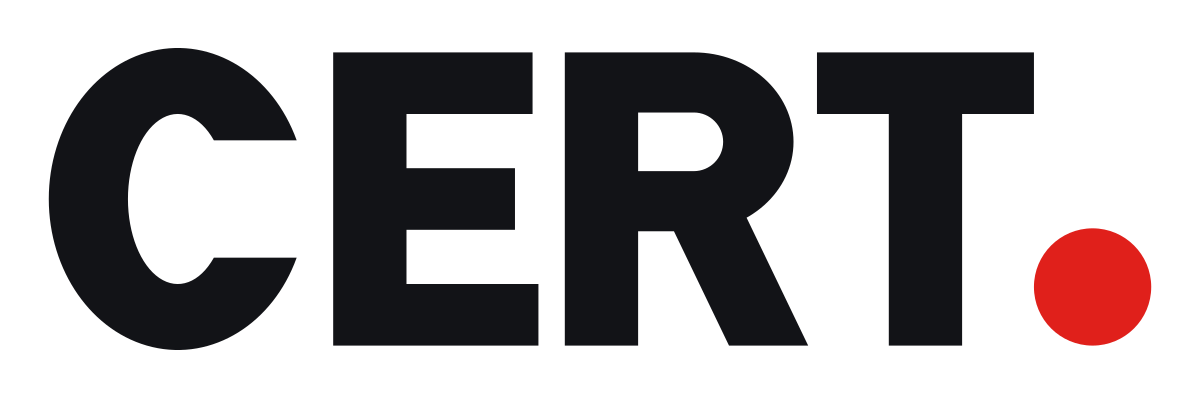
The wordmark is four heavy capitals and one red dot. The capitals say what we do; the dot says it is settled. Everything else in the brand stays quiet so that dot can carry the colour.
Logo
Mark and app icon

Construction
- CERT is drawn, not typed: four capitals in a heavy, condensed grotesque, with a red dot after the T.
- The dot is 40% of the cap height across, sits on the baseline and starts where the arm of the T ends.
- Clear space on every side is half the cap height. Nothing, including a tagline, goes inside it.
- Minimum size: 14 px cap height for the wordmark on screen (about 50 px wide), 16 px for the C● mark.
Do
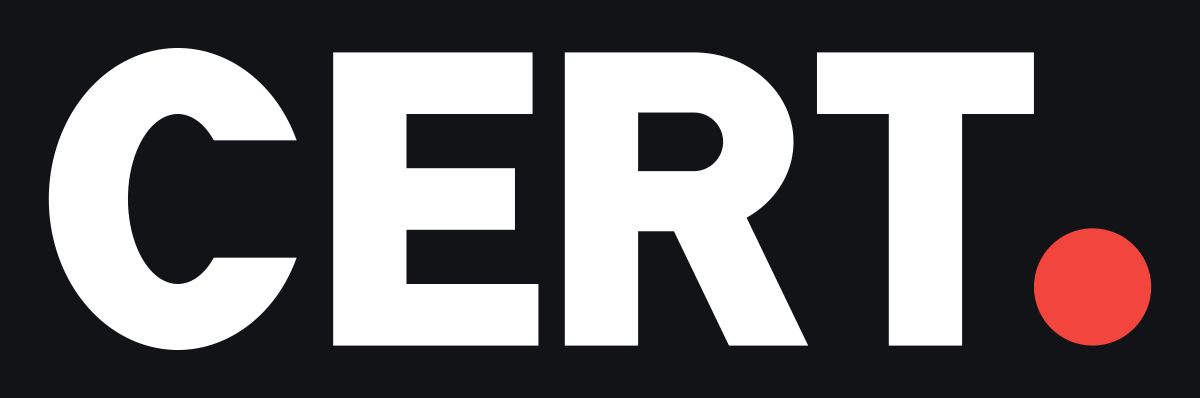
- Ink letters on white or light grey; white letters on ink, photography and dark mode.
- Keep the dot red in both versions. Only one-colour reproduction (embossing, stamps, fax) makes it match the letters.
- Use the C● mark where the wordmark would fall under its minimum size: favicons, app icons, avatars.
- In running text, write the company name, cert.solutions. CERT● is artwork.
Don’t
- Set CERT in a font, outline it, stretch it or add a shadow.
- Enlarge the dot, move it off the baseline or swap it for another shape.
- Place the logo on red, or on a busy photo without an ink scrim.
- Use red dots as bullets or decoration elsewhere; one dot is the brand.
Colour
Red is a signal, not a fill. Ink does the work: headings, buttons and the dark brand surface. Use red for the dot, focus and at most one small accent in a view.
#E0201B--brand
The dot, focus rings and one small accent per view. Never a button or a large fill.
#F2453D--brand (dark), signal
The same red on ink and in dark mode, lifted so it keeps its contrast.
#B5140F--brand-strong
Small red text on white, and the pressed state of a red accent.
#121317--primary, --brand-ink, ink
Wordmark letters, headings, primary buttons and the dark brand surface.
#0B0C0Fink-deep, dark --background
Dark mode page background and the bottom of ink gradients.
#FFFFFF--background
Light page background. The brand is white and ink, not cream.
Typography
Archivo
Headings
Certificates anyone can verify
Bold (700) for titles and display, tight tracking. Pairs with the condensed, square-shouldered wordmark.
Inter
Interface and body
Issue, publish and verify certificates from one register.
Everything that is read rather than scanned: copy, labels, tables, forms.
JetBrains Mono
Codes and numbers
CS-QMS-2026-7K4QX
Certificate numbers, verification codes, API paths and keys.
Certificates have their own lettering (Fraunces, Geist, Cinzel, Cormorant), chosen per design in the certificate studio. It is part of the product, not the brand.